


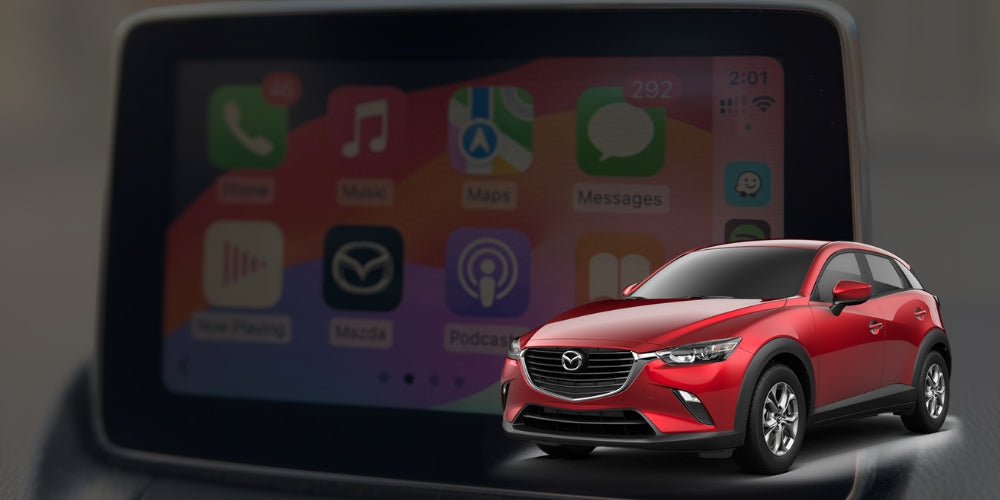


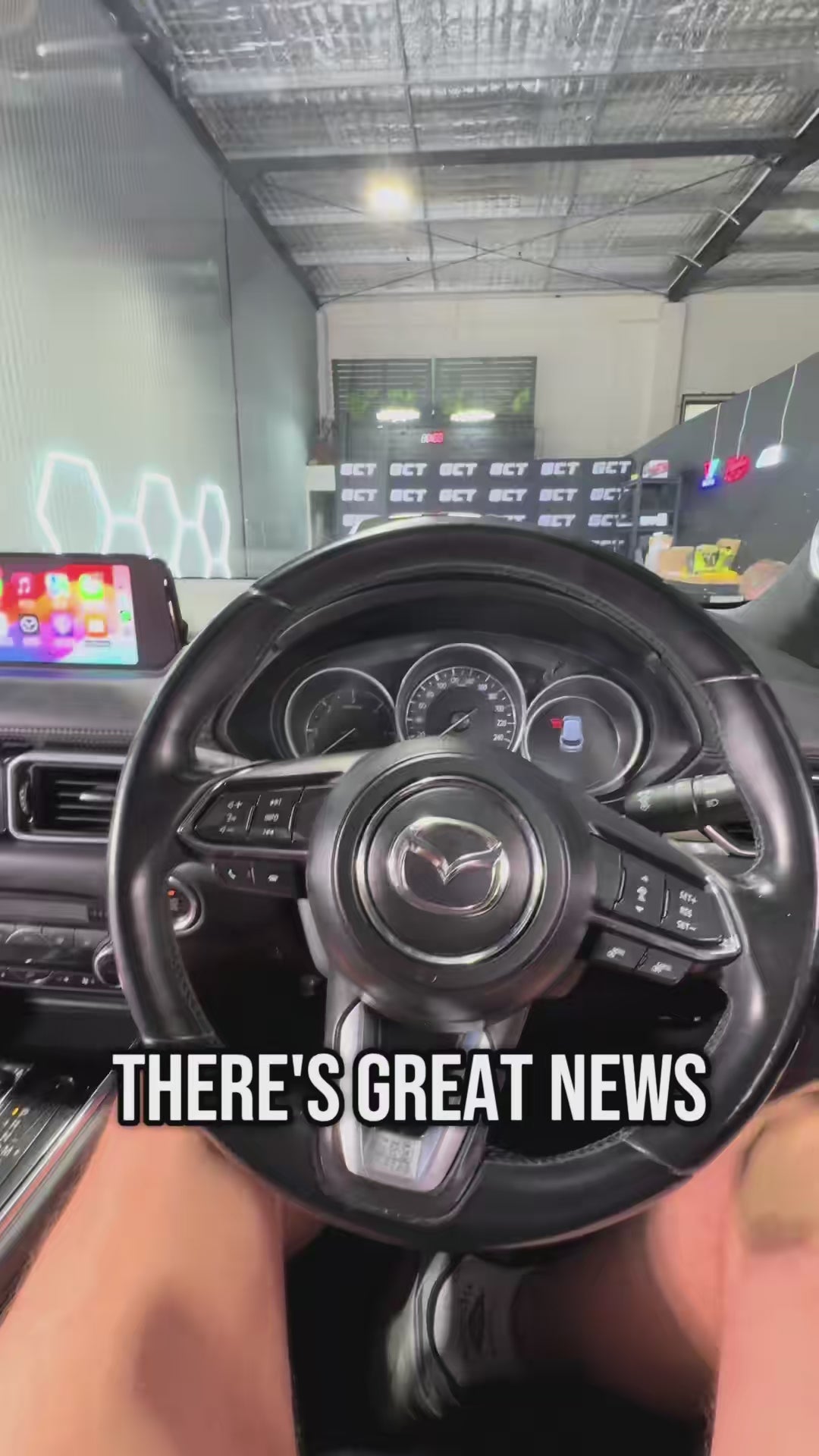
Mazda Carplay Upgrade Kit
🎥 See Our Product Overview Here:
🎥 Step-by-Step Video Tutorials
Each customer receives exclusive access to our guided install videos. Current tutorials available for:
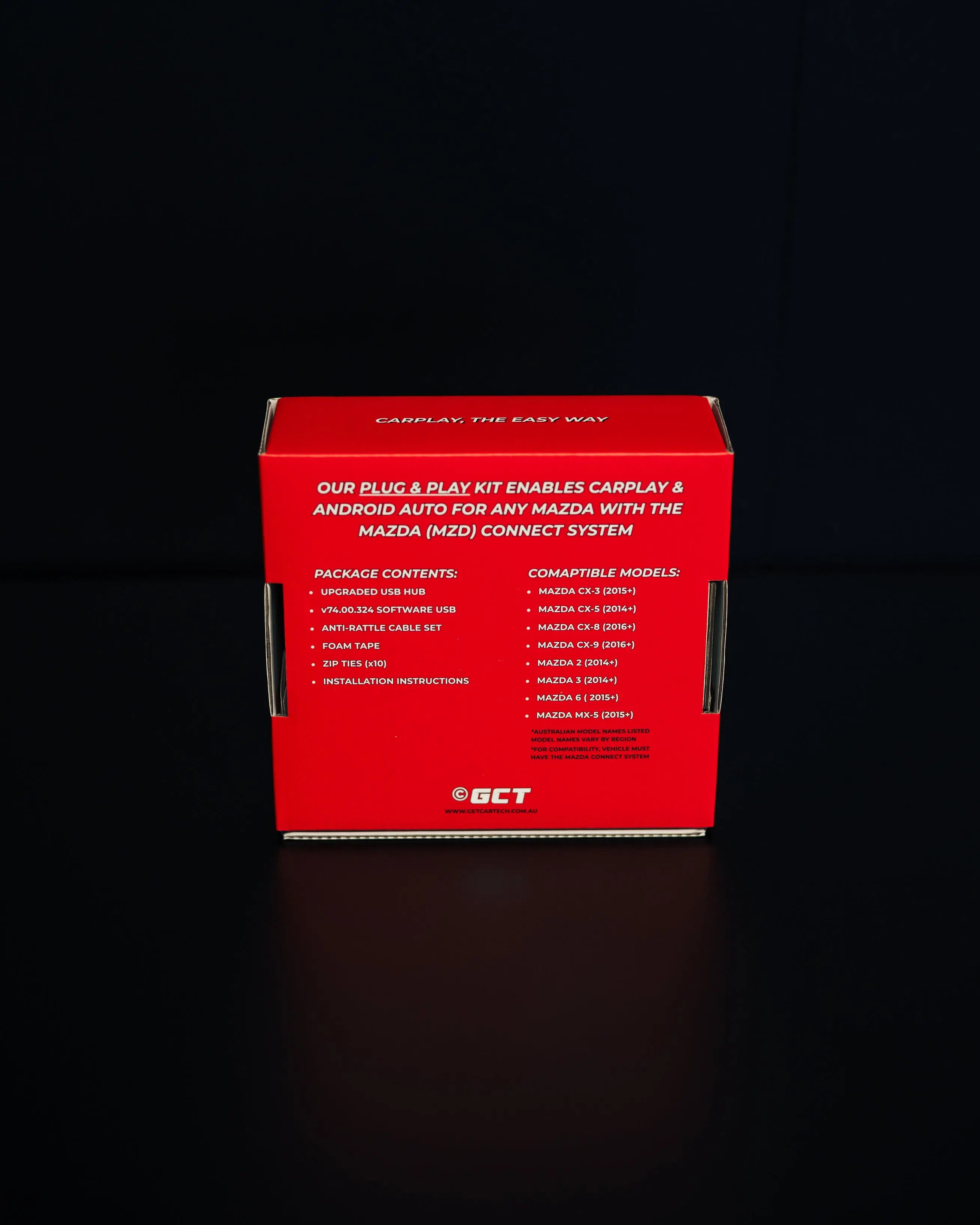
- Mazda CX-3 (2015+)
- Mazda CX-5 (2014+)
- Mazda 2 (2014+)
- Mazda 3 (2014+)
- Mazda MX-5 (Miata) (2015+)
- Mazda CX-8 (2016+)
- Mazda CX-9 (2016+)
- Mazda 6 (2014+)
*Australian model names listed - International model names may vary
Some Mazdas require a simple software update for compatibility.
We include a dedicated video covering this process as well as a ready-to-go software USB.
🌍 For International Customers: We will include a software USB with the relevant version for your region (Europe, North America etc).
- v74.00.324A 4AN ( Australia, NZ, Middle East, South East Asia, South Africa, Oceania)
- v74.00.324A NA (North America)
- v74.00.324A EU (Europe)
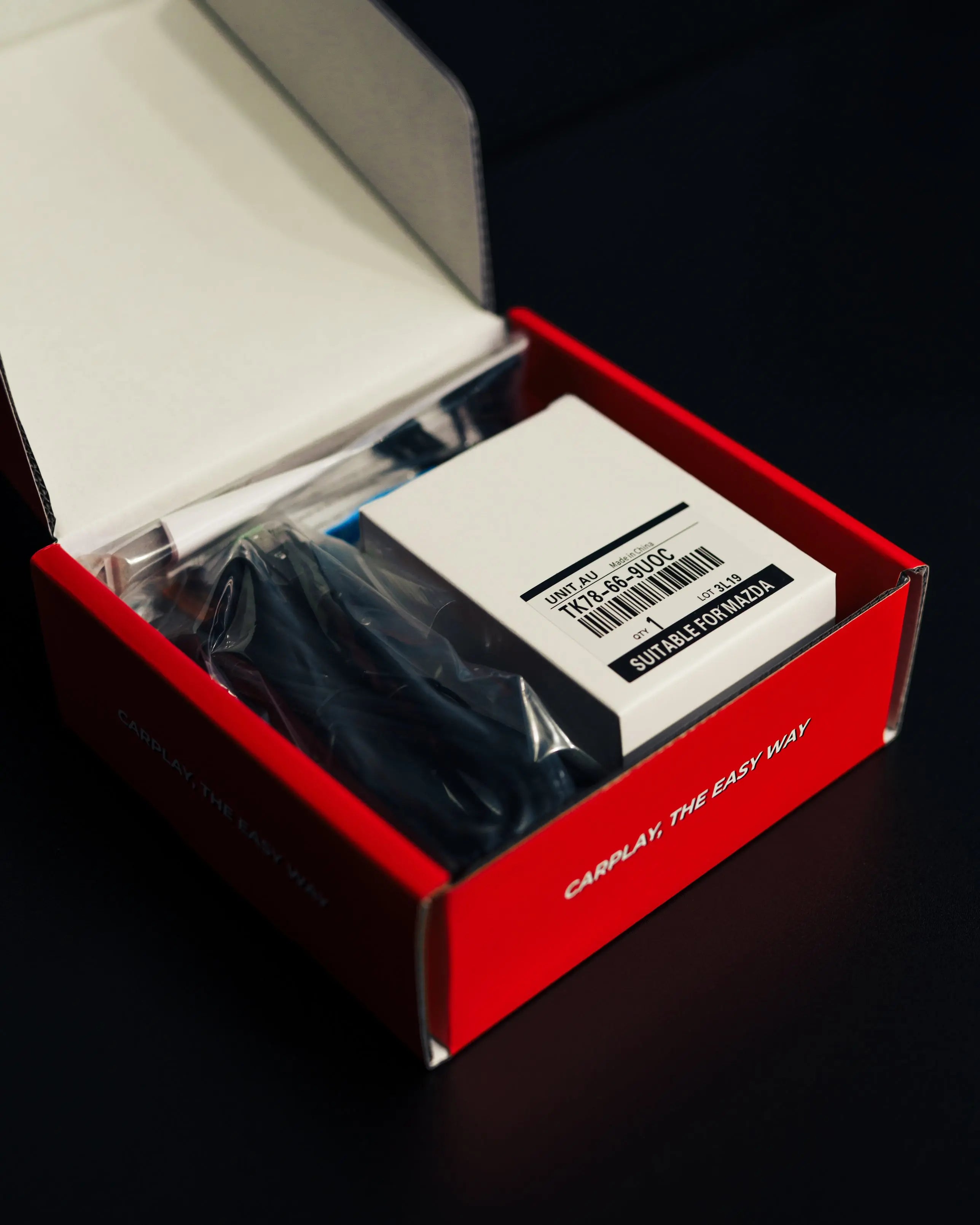
📦 Package Contents
- Upgraded USB hub with CarPlay and Android Auto compatibility (plug & play)
- Anti-Rattle Cable Set
- Ready-to-go USB loaded with the latest official software v74.00.324 for your region
- Curated install tutorial video for your Mazda model
- Live phone support from our team to guide your install
🔌 Connection Types
- Wired: Plug your iPhone or Android into the new USB hub for CarPlay/Android Auto.
- Wireless: Connect via Bluetooth for fully automatic CarPlay/Android Auto. Starts up instantly when you start the car without the need to touch your phone.
✅ Successful Install Guarantee
We stand by the quality and reliability of our kits. Every purchase includes our Successful Install Guarantee.
If you're unable to complete the installation after following our tutorials and speaking with support, we'll help you resolve it — or your money back.
❓ Frequently Asked Questions
Tap a question to reveal the answer
How do I know if my Mazda is compatible?
This upgrade kit is compatible with all Mazdas ever released with the MZD Connect system. Take a look at the photo in our compatibility section below to confirm that your interface looks like this. It doesn't matter which model of Mazda you have; it's definitely compatible!
How long does it take to install the new USB Hub?
Even for beginners, most Mazda models can be upgraded in one hour or less. Our video tutorials are extremely in-depth, and we walk you through every step slowly.
Can I view the Tutorial Video before purchasing?
We completely understand wanting to know what info you're getting. Our install tutorial videos are the most comprehensive guide of the install process available, and the depth and quality is much higher than anything publicly available on YouTube. They took significant time and thousands of hours of real workshop experience to create, and they're a big part of our customer experience. We treat them as proprietary content included exclusively with your purchase. Our videos really make the process easy and free from guesswork. Every product we sell comes with our Successful Install Guarantee - so if you get stuck, we'll get you through it or give you your money back.
Is there a USB-C version available?
From our practical experience, the USB-C connector has linferior longevity and reliability in automotive applications When compared to USB-A. For the best possible usage experience, we only sell a USB-A variant.
Does the Wireless version also have wired CarPlay?
Yes, our wireless version also has wired CarPlay capability. With it, you are not locked in to exclusively using wireless CarPlay. You can always plug in a phone and use wired CarPlay & Android Auto as well. You get the best of both worlds.
My Mazda screen isn't Touchscreen. Does that matter?
No, the touchscreens in Mazdas can fail over time, but the great news is you do not need any touchscreen functionality to install or operate CarPlay/Android Auto. CarPlay can be fully controlled using the centre jog wheel. Once you install CarPlay, you also unlock access to Siri via the 'voice' steering wheel button, which makes controlling CarPlay really easy - you can get a lot done with Siri.
Even with a fully functioning touchscreen, Mazda has a built-in safety feature where the touch screen function is disabled when the car is travelling faster than 15 km/h, so CarPlay is controlled via the jog wheel the majority of the time.
What Tools do I need?
The tools required vary by Mazda model, but for most Mazda models, the only tools you require are screwdrivers, 10mm socket, pliers etc. No specialty tools required.
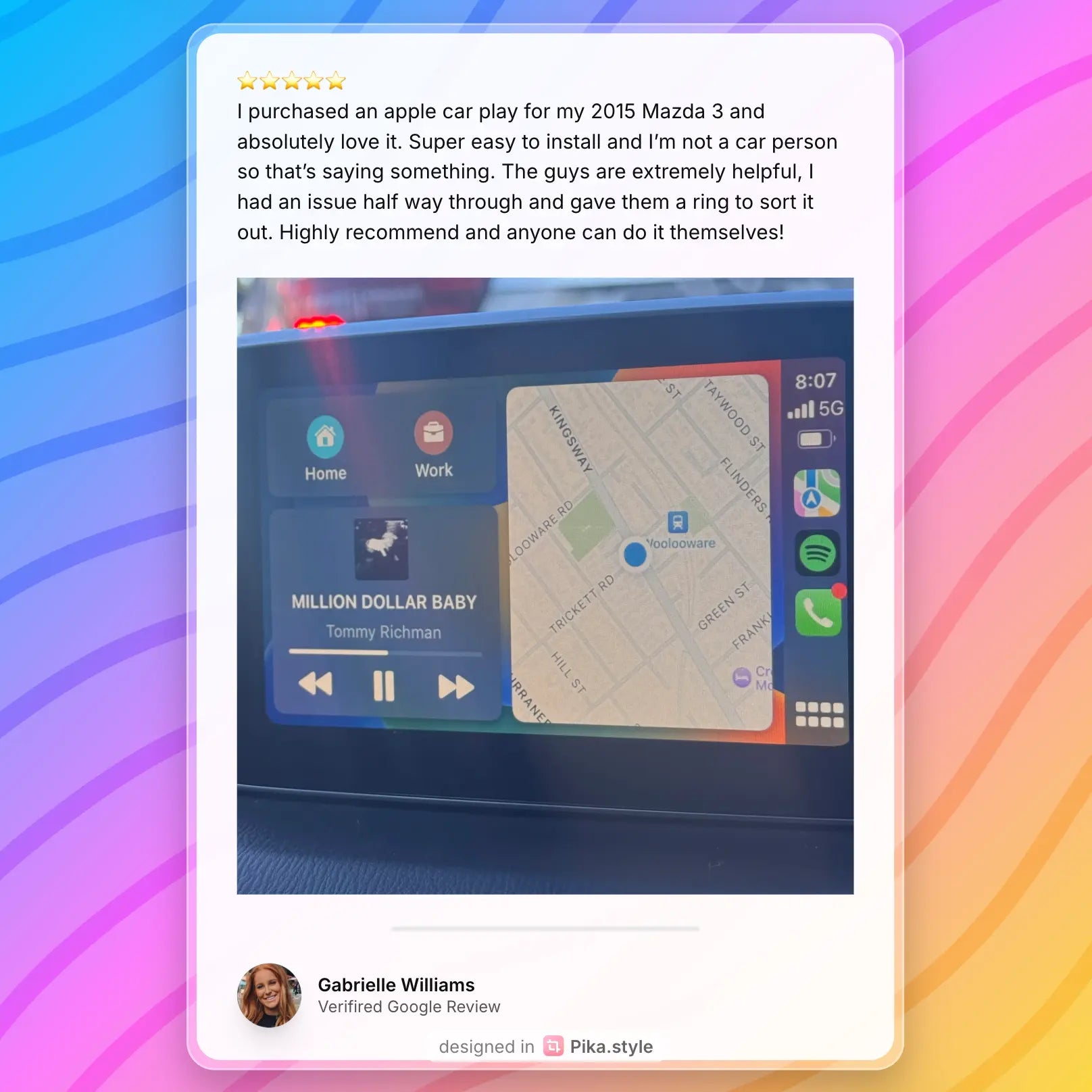
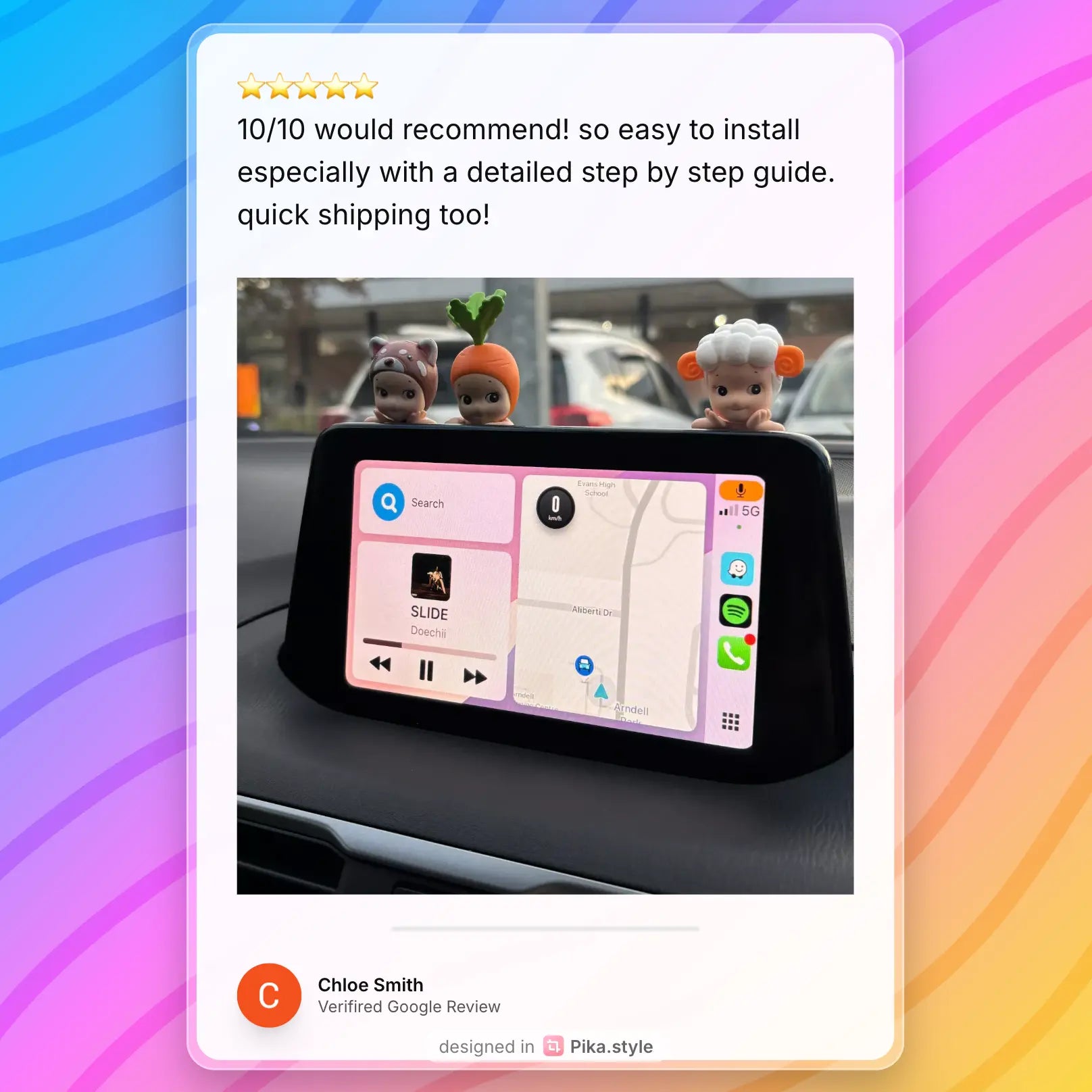
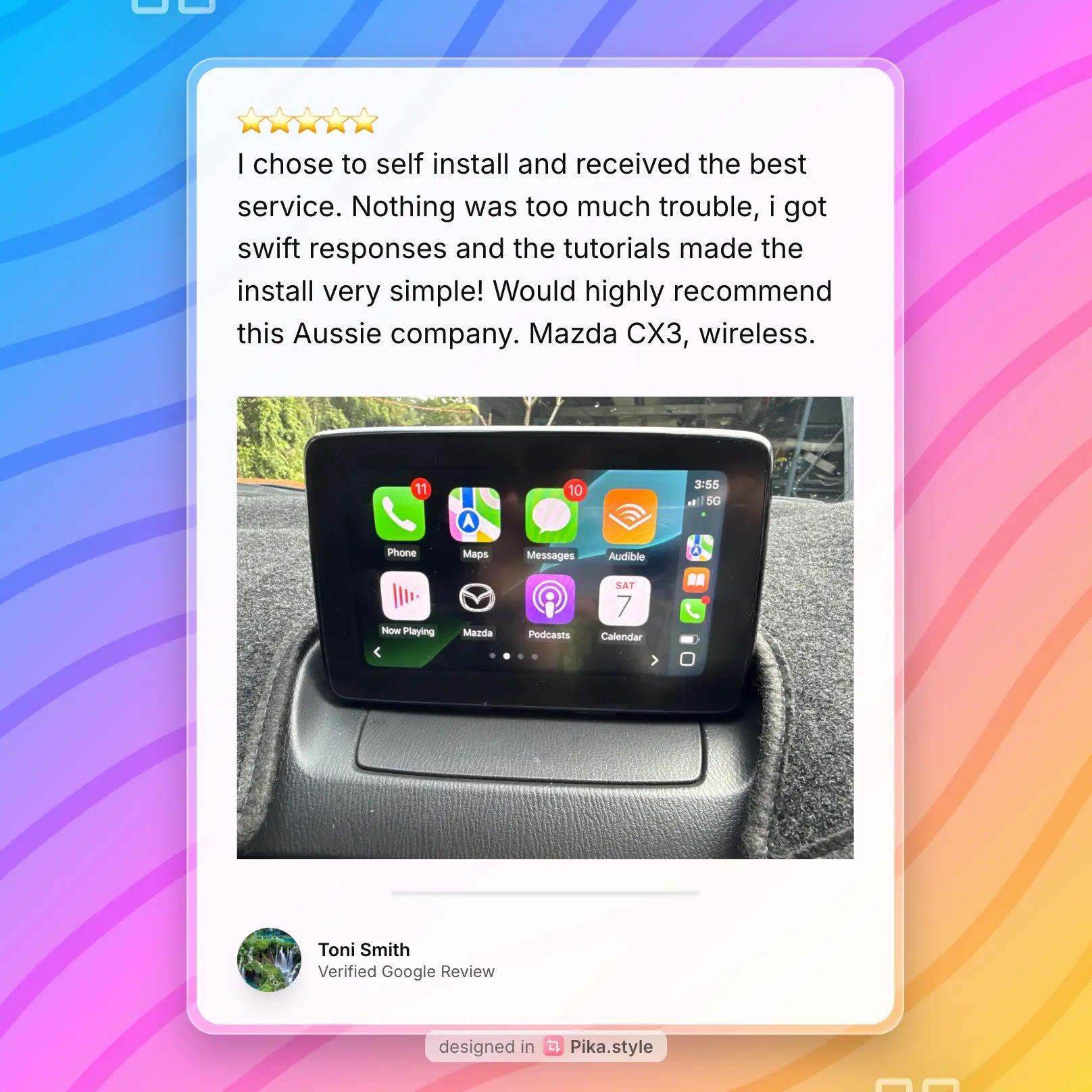
🎤 Real testimonials from real customers
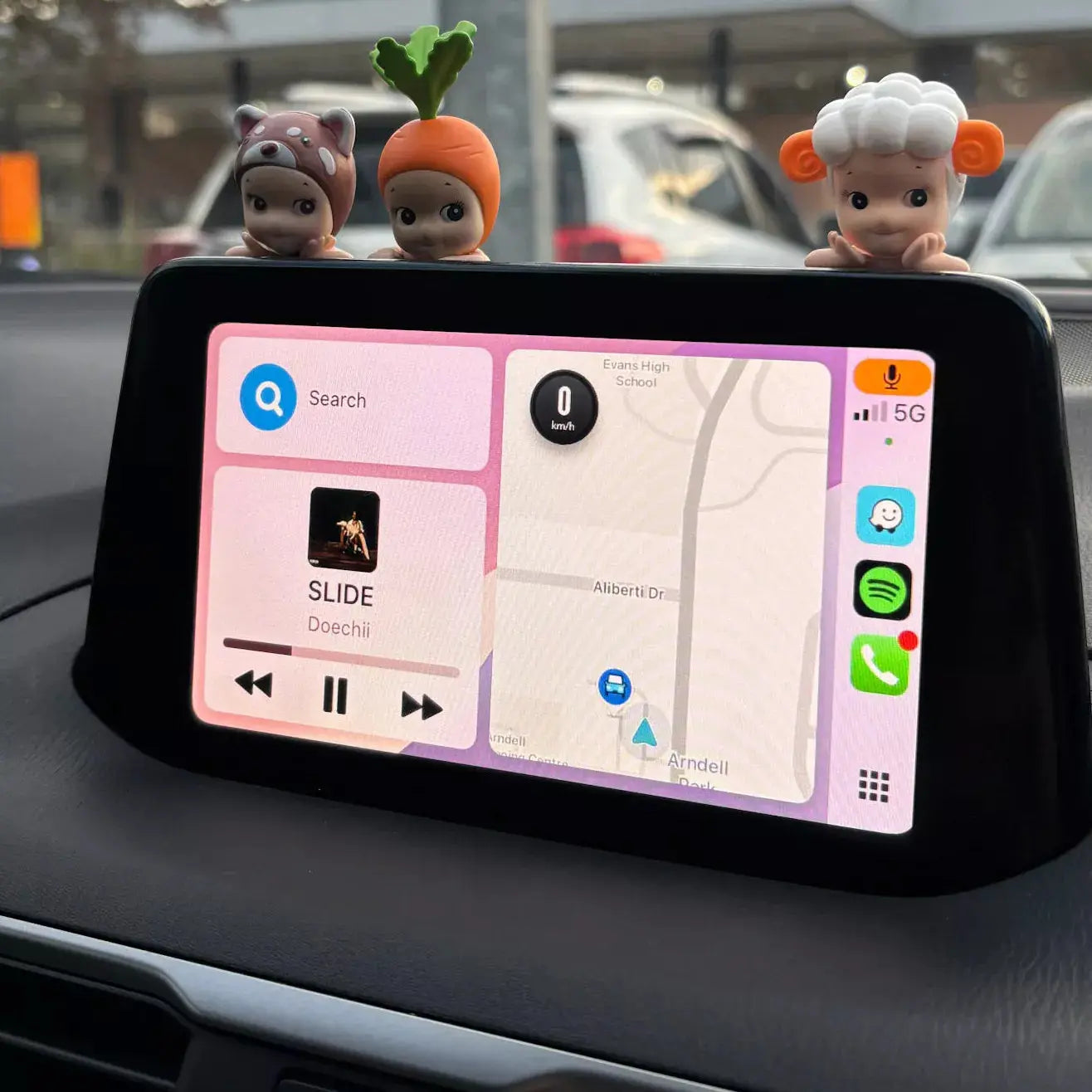
🍏 Apple CarPlay Features
- Seamless Phone Integration – Your iPhone's key apps mirrored on your Mazda's display
- No-Touch Connection – Automatic wireless pairing once connected (wireless version only)
- Hands-Free Calling & Messaging – Use Siri for full control of calls and messages
- Turn-by-Turn Navigation – Supports Apple Maps, Google Maps, Waze and more
- Music & Podcasts – Stream Spotify, Apple Music or your favourite shows
- Avoid Phone Fines $$$ – Drive safer with hands-free connectivity
- Safer Driving – Clear, distraction-free interface
⚠️ Important Note
This is an upgrade kit only for vehicles that already have an MZD-Connect LCD Touchscreen installed from factory. This kit does not include a display screen.
🔧 Compatibility
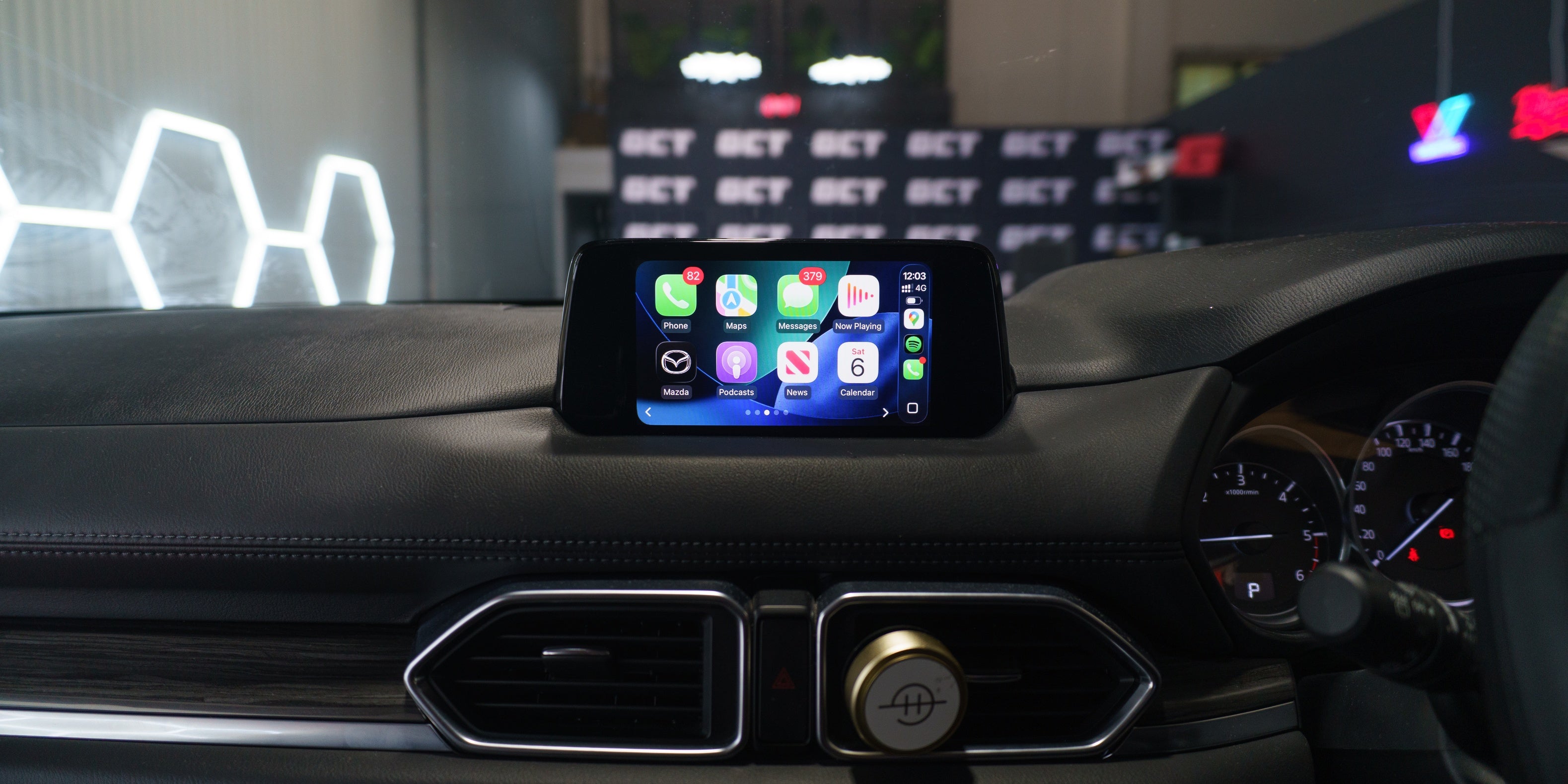
Compatible with all Mazda models equipped with MZD-Connect interface. See below for example photo.
🔍 Does Your Mazda Have MZD-Connect?
If your Mazda infotainment looks like the image below, you have MZD-Connect and your car is 100% compatible with this upgrade kit. Your screen shape may vary, but it's only the interface that matters.

5 Star Rated on Google Reviews
Same Day Dispatch Before 12PM
Fast Shipping Australia Wide
Includes Installation Video Tutorial
Mazda Carplay Upgrade Kit
If you have any questions, you are always welcome to contact us. We'll get back to you as soon as possible, within 24 hours on weekdays.
-
Shipping Information
Use this text to answer questions in as much detail as possible for your customers.
-
Customer Support
Use this text to answer questions in as much detail as possible for your customers.
-
FAQ’s
Use this text to answer questions in as much detail as possible for your customers.
-
Contact Us
Use this text to answer questions in as much detail as possible for your customers.