


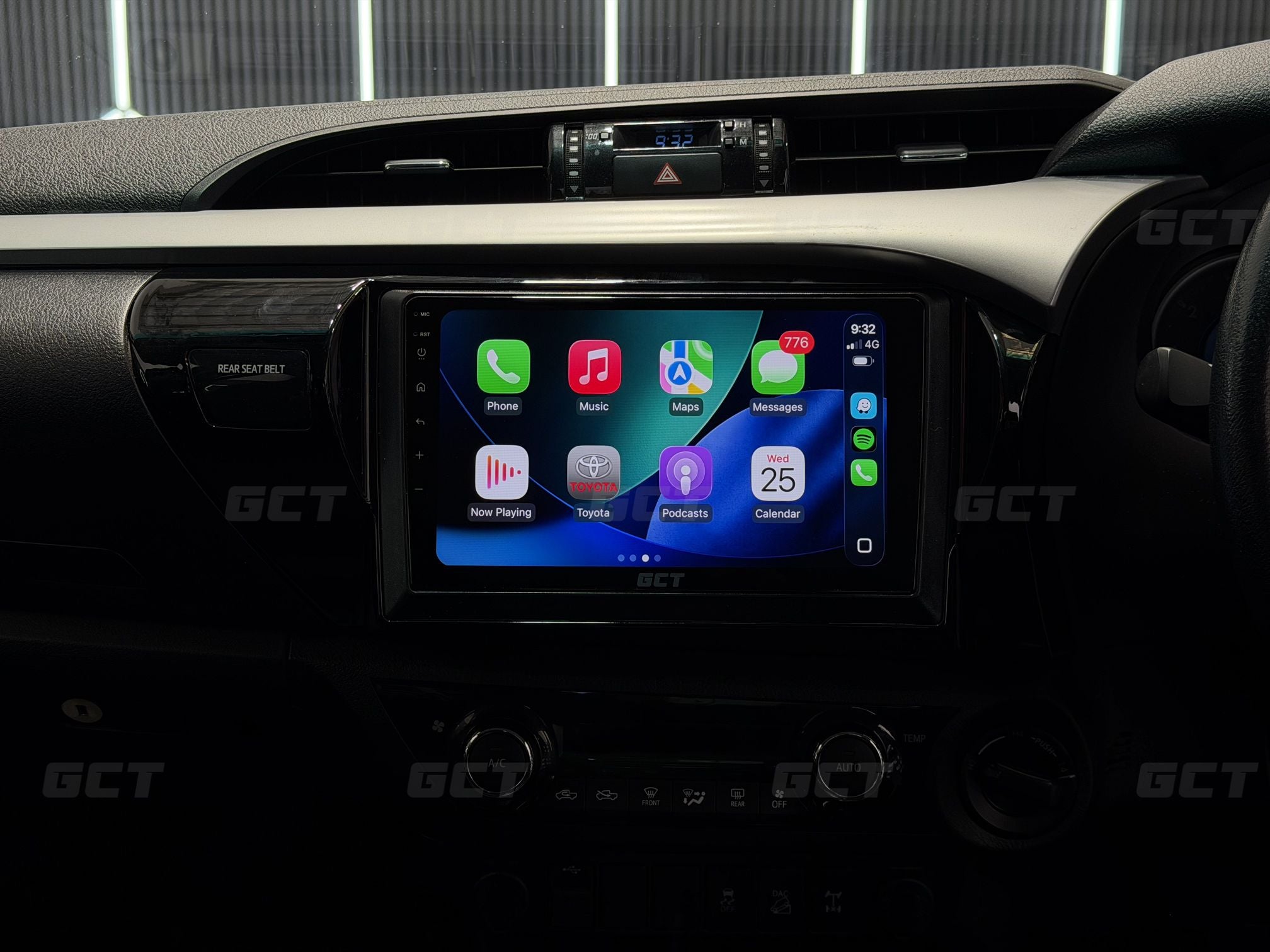
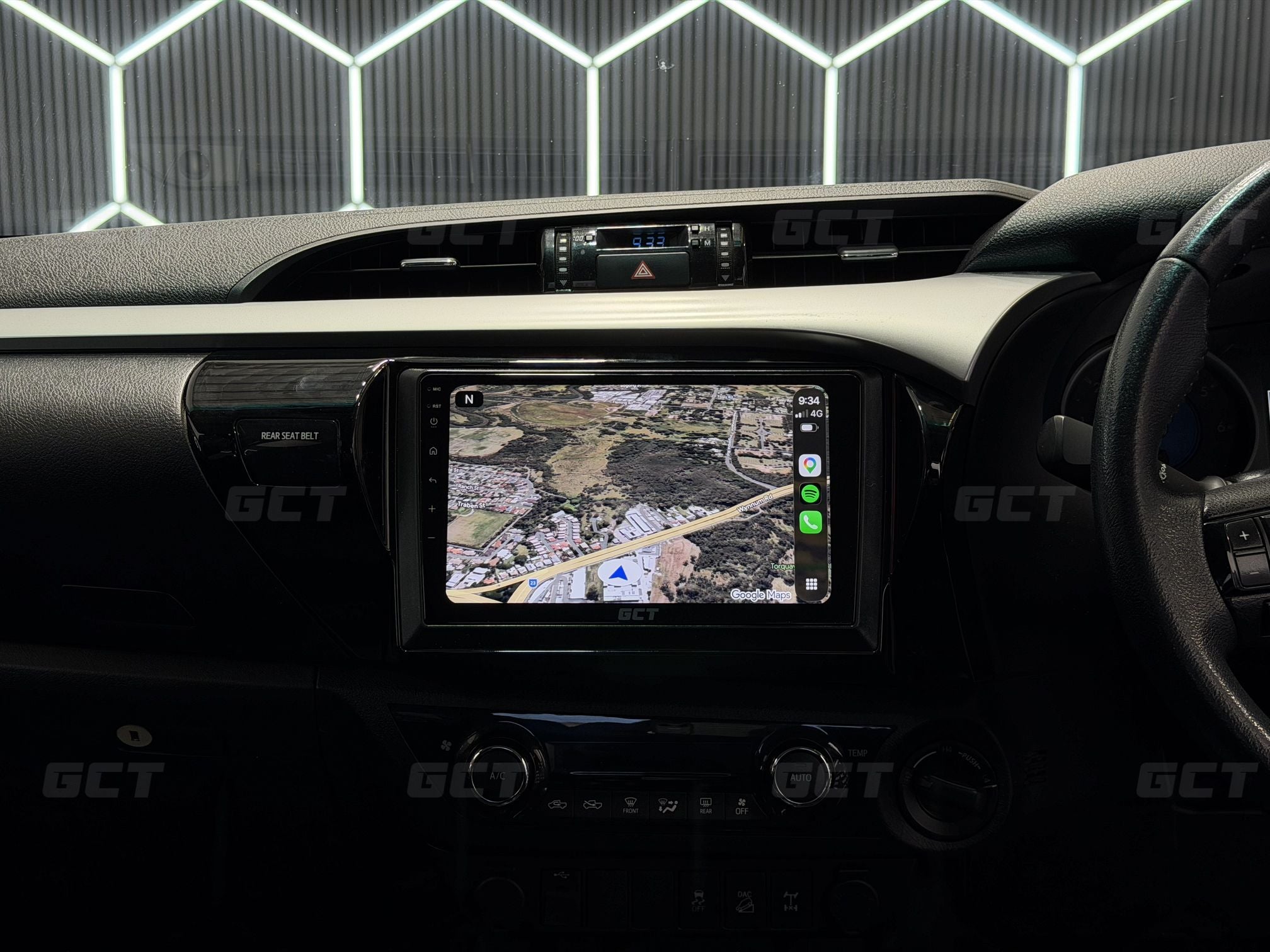
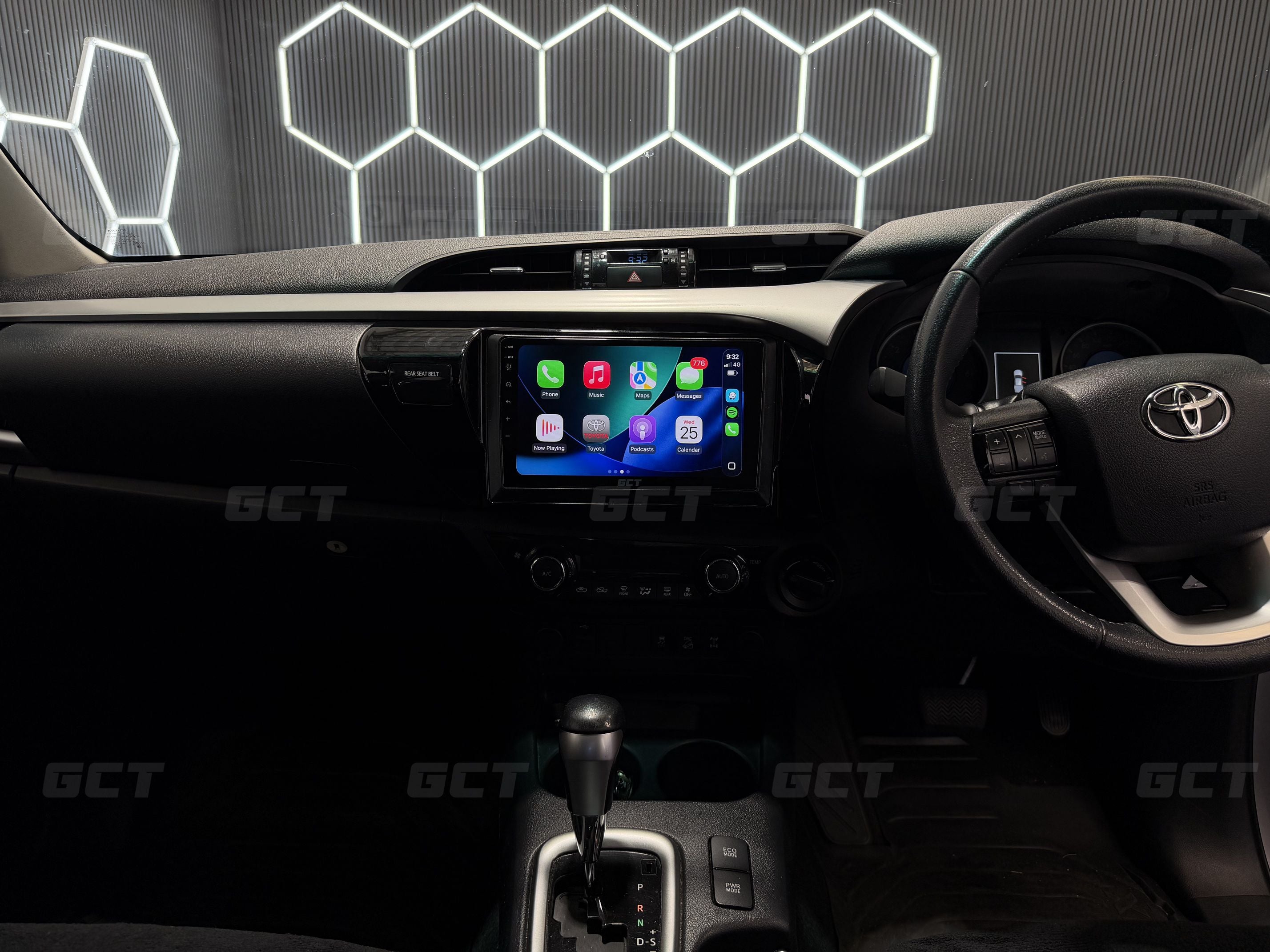
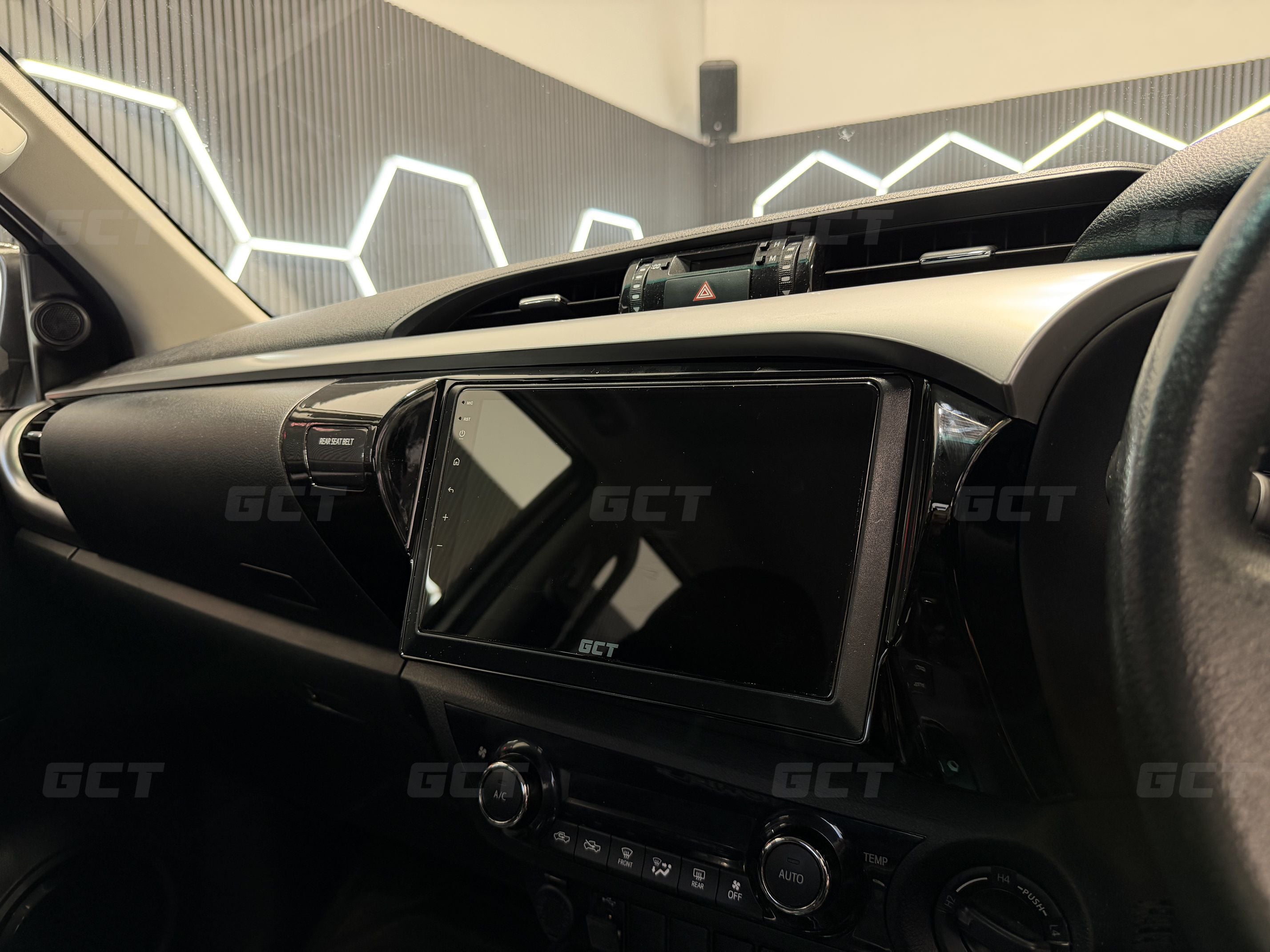



Toyota Hilux N80 Wireless Carplay Headunit DIY Kit
🎥 See Our Product Overview Here:
🎥 Exclusive Video Access
Purchase of this kit unlocks access to our dedicated 40 minute installation tutorial video and after-sales support - we make it EASY.
🚘 Factory-Like Wireless Carplay
Our N80 (8th Generation) Hilux CarPlay Headunit DIY Kit works with all of the stock Toyota functions, including the steering wheel buttons, and factory reverse camera (if applicable)
🔧 Key Features
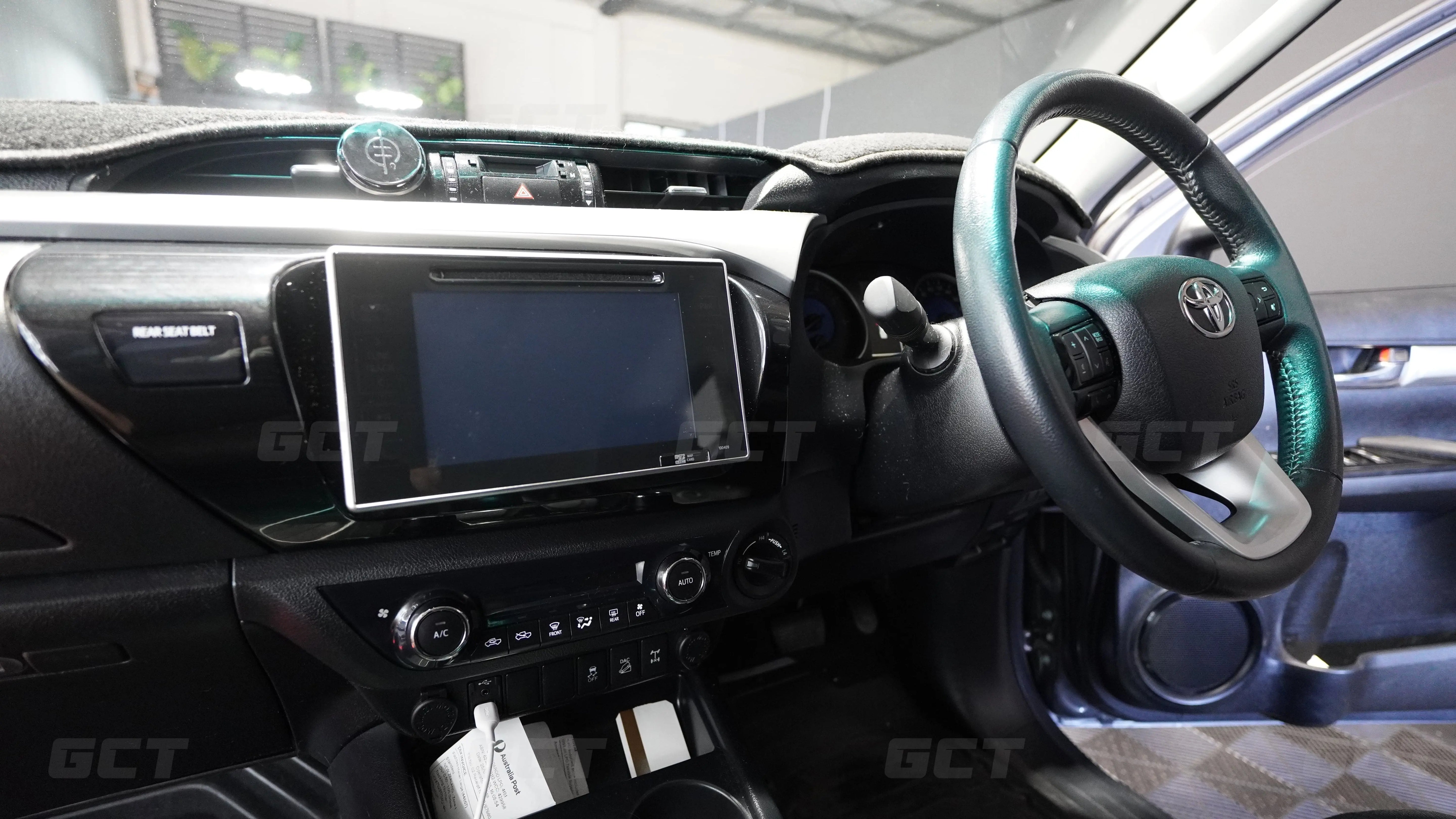
- Compatible with all 8th Generation Hilux's (SR5, workmate etc) that have the stock radio WITHOUT the volume knob. See photo at the bottom for reference.
- Retains factory reverse camera, USB input and steering wheel control functionality
- Ultra-responsive 9inch QLED touchscreen.
- Install time: 45 minutes
- Toyota boot logo and Carplay logo - you won't find this anywhere else!
- Fully plug & play, reversible with no permanent modification
- Flawless wireless Apple CarPlay and Android Auto connection at 60 frames per second - Our systems are the fastest around.
- Wireless screen mirroring support for video playback from Apple (AirPlay) and Android phones. Stream your phone screen to our unit (YouTube etc)
- Simple, easy to use interface - no ugly, complex android here. Our interface was designed from the ground up to be simple and easy to use.
- USB media playback via the factory USB port: simply plug in a USB with video or audio files to play back on the system
- Only basic tools needed (Phillips head screwdriver, Socket set, trim tool (included))
✅ Successful Install Guarantee
We stand by the quality and reliability of our kits. That’s why every purchase comes with our Successful Install Guarantee.
If you're unable to complete the installation after following our video tutorials and speaking with our support team, we’ll work with you to resolve it — or your money back.
📡 Connection Types Supported (CarPlay and Android Auto)
- Wired : Plug your device into the factory USB port.
- Wireless: Auto-connect via Bluetooth for CarPlay/Android Auto. No need to touch your phone at all!
🍏 Apple CarPlay Features
-
- Seamless Phone Integration – Your iPhone’s key apps mirrored on your infotainment screen
- No-Touch Connection – Automatic wireless connection once paired
- Hands-Free Calling & Messaging – Use Siri to control Carplay, Phone and Messages
- Turn-by-Turn Navigation – Supports Apple Maps, Google Maps, Waze etc
- Music & Podcasts – Stream Spotify, Apple Music, or your favourite shows
- Digital Radio – Stream digital radio stations using iHeartRadio
- Avoid Expensive Phone Fines $$$ – Do away with the temptation to touch your phone while driving
-
Safer Driving – Reduces distraction with easy-to-use interface
📦 Package Contents
- Our Flagship 9inch Wireless CarPlay System
- Main Cable – Plug & Play harness
- Accessory Cables
- Clip-on Microphone
- N80 Facia kit and frame adapter
- Access to video tutorial
- Trim tool
✅ Full Compatibility List
- Any 8th Generation Hilux that has the Fujitsu factory radio. This is the radio WITHOUT and physical buttons or volume knobs on the front. See our reference image below. If your Hilux has a radio that looks like this - It's compatible! The number printed in the bottom right corner may vary between model, but this doesn't matter.

5 Star Rated on Google Reviews
Same Day Dispatch Before 12PM
Fast Shipping Australia Wide
Includes DIY Installation Video
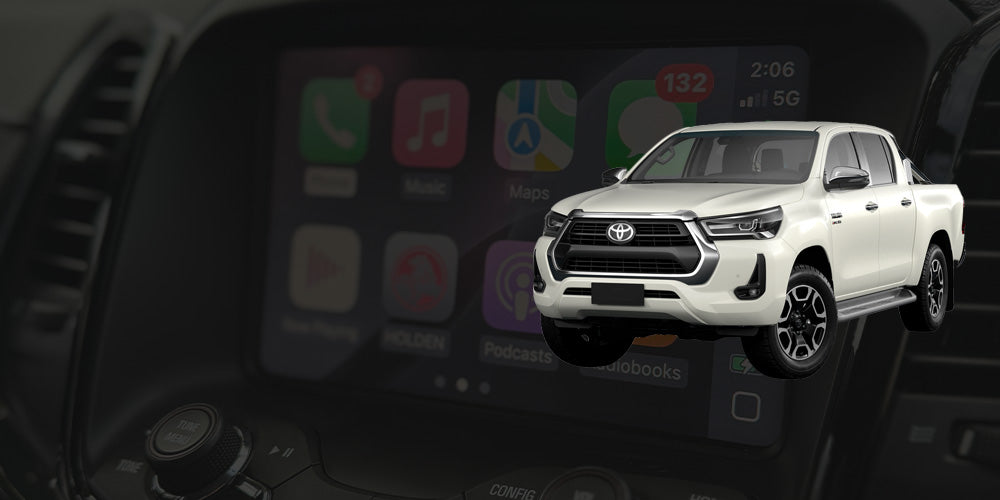
Toyota Hilux N80 Wireless Carplay Headunit DIY Kit
If you have any questions, you are always welcome to contact us. We'll get back to you as soon as possible, within 24 hours on weekdays.
-
Shipping Information
Use this text to answer questions in as much detail as possible for your customers.
-
Customer Support
Use this text to answer questions in as much detail as possible for your customers.
-
FAQ’s
Use this text to answer questions in as much detail as possible for your customers.
-
Contact Us
Use this text to answer questions in as much detail as possible for your customers.